Suricata module
editSuricata module
editThis is a module to the Suricata IDS/IPS/NSM log. It parses logs that are in the Suricata Eve JSON format.
When you run the module, it performs a few tasks under the hood:
- Sets the default paths to the log files (but don’t worry, you can override the defaults)
- Makes sure each multiline log event gets sent as a single event
- Uses an Elasticsearch ingest pipeline to parse and process the log lines, shaping the data into a structure suitable for visualizing in Kibana
- Deploys dashboards for visualizing the log data
Read the quick start to learn how to configure and run modules.
Compatibility
editThis module has been developed against Suricata v4.0.4, but is expected to work with other versions of Suricata.
Configure the module
editYou can further refine the behavior of the suricata module by specifying
variable settings in the
modules.d/suricata.yml file, or overriding settings at the command line.
You must enable at least one fileset in the module. Filesets are disabled by default.
This is an example of how to overwrite the default log file path.
- module: suricata
  eve:
    enabled: true
    var.paths: ["/my/path/suricata.json"]
Variable settings
editEach fileset has separate variable settings for configuring the behavior of the
module. If you don’t specify variable settings, the suricata module uses
the defaults.
For advanced use cases, you can also override input settings. See Override input settings.
When you specify a setting at the command line, remember to prefix the
setting with the module name, for example, suricata.eve.var.paths
instead of eve.var.paths.
eve log fileset settings
edit-
var.paths -
An array of glob-based paths that specify where to look for the log files. All
patterns supported by Go Glob
are also supported here. For example, you can use wildcards to fetch all files
from a predefined level of subdirectories:
/path/to/log/*/*.log. This fetches all.logfiles from the subfolders of/path/to/log. It does not fetch log files from the/path/to/logfolder itself. If this setting is left empty, Filebeat will choose log paths based on your operating system. -
var.tags -
A list of tags to include in events. Including
forwardedindicates that the events did not originate on this host and causeshost.nameto not be added to events. Defaults to[suricata]. -
var.internal_networks -
A list of CIDR ranges describing the IP addresses that
you consider internal. This is used in determining the value of
network.direction. The values can be either a CIDR value or one of the named ranges supported by thenetworkcondition. The default value is[private]which classifies RFC 1918 (IPv4) and RFC 4193 (IPv6) addresses as internal.
Example dashboard
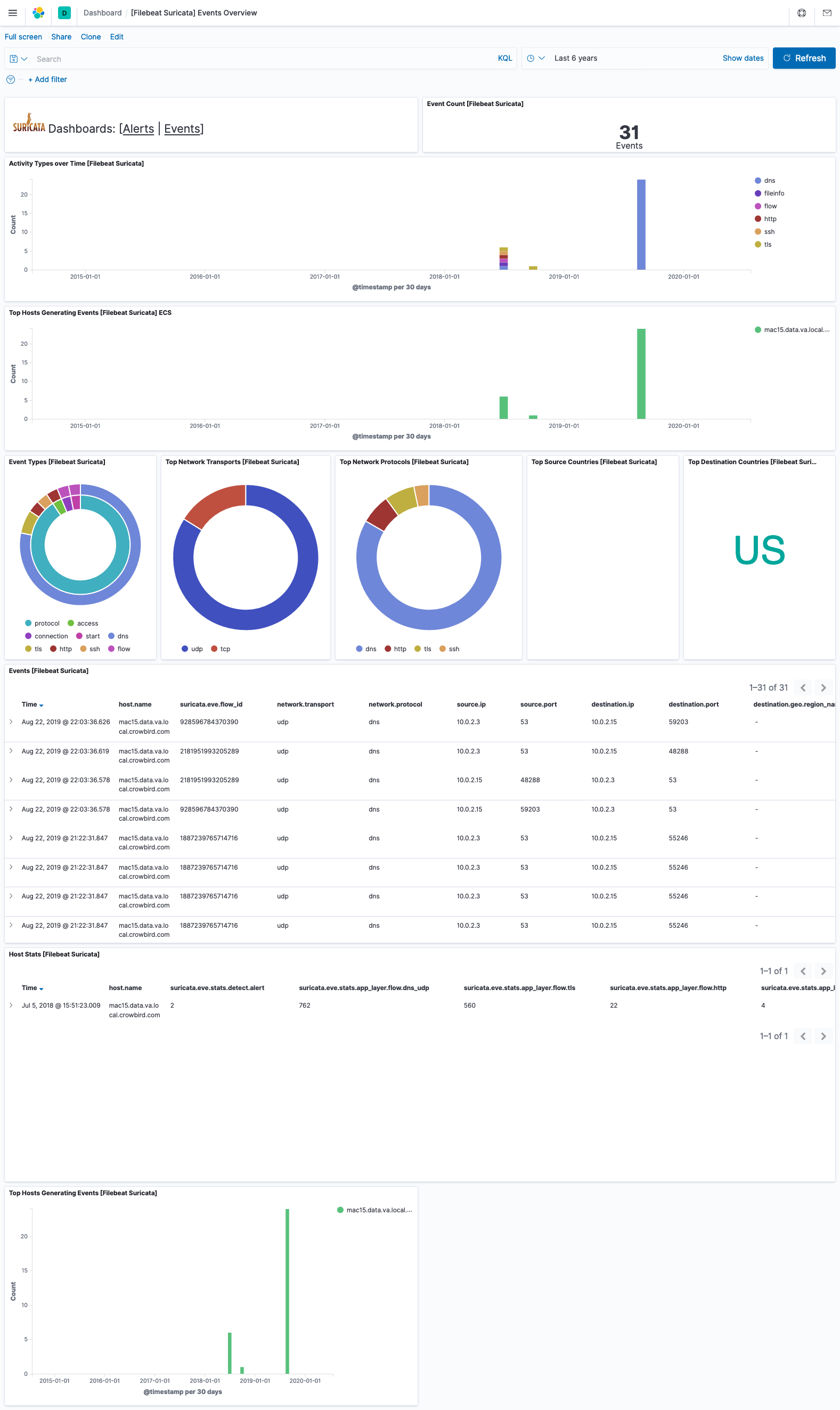
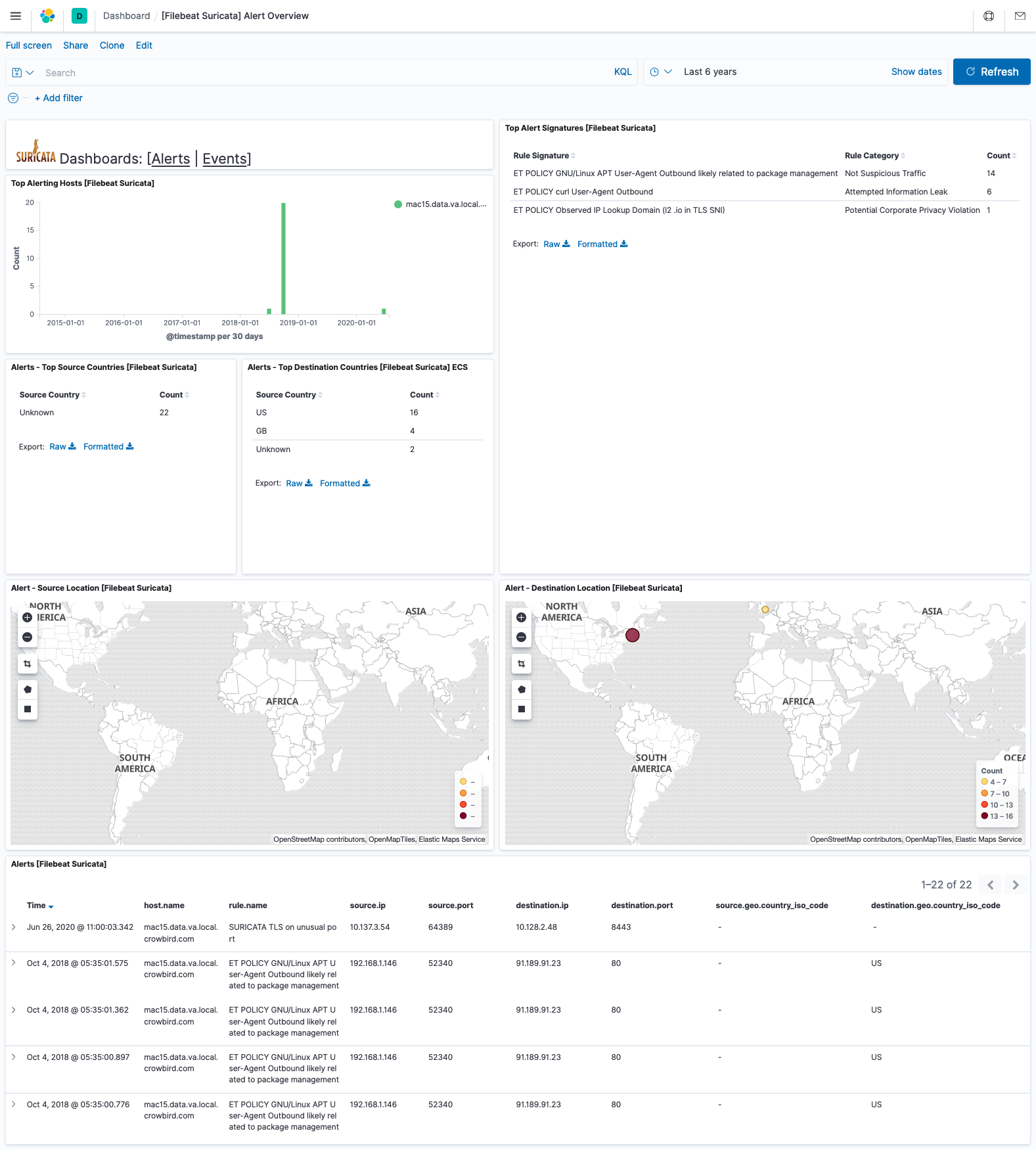
editThis module comes with sample dashboards. For example:
Fields
editFor a description of each field in the module, see the exported fields section.