Elasticsearch is packed with new features to help you build the best search solutions for your use case. Learn how to put them into action in our hands-on webinar on building a modern Search AI experience. You can also start a free cloud trial or try Elastic on your local machine now.
Hybrid search is widely recognized as a powerful search approach, combining the precision and speed of lexical search with the natural language capabilities of semantic search. However, applying it in practice can be tricky, often requiring deep knowledge about your index and the construction of verbose queries with non-trivial configurations. In this blog, we will explore how the multi-field query format for linear and RRF retrievers makes hybrid search simpler and more approachable, removing common headaches and enabling you to leverage its full power with greater ease. We will also review how the multi-field query format enables you to perform hybrid search queries with no previous knowledge about your index.
The score range problem

To set the stage, let’s review one of the primary reasons hybrid search can be hard: varying score ranges. Our old friend BM25 produces unbounded scores. In other words, BM25 can generate scores ranging from close to 0 to (theoretically) infinity. In contrast, queries against dense_vector fields will produce scores bounded between 0 and 1. Exacerbating this problem, semantic_text obfuscates the field type used to index embeddings, so unless you have detailed knowledge about your index and inference endpoint configuration, it can be hard to tell what the score range of your query will be. This presents a problem when trying to interleave lexical and semantic search results, as the lexical results may take precedence over the semantic ones even if the semantic results are more relevant. The generally accepted solution for this problem is to normalize the scores prior to interleaving results. Elasticsearch has two tools for this, the linear and RRF retrievers.
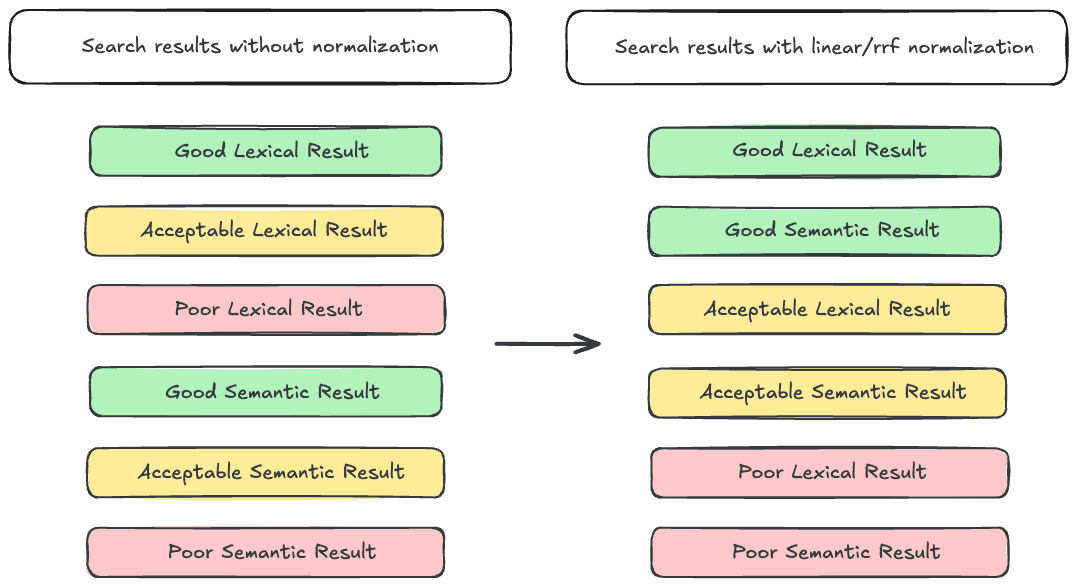
The RRF retriever applies the RRF algorithm, using document rank as a measure of relevance and discarding the score. Since the score is not considered, score range mismatches are not an issue.
The linear retriever uses a linear combination to determine a document’s final score. This involves taking each component query’s score for the document, normalizing it, and summing them to generate the total score. Mathematically, the operation can be expressed as:
Where N is the normalization function, and SX is the score for query X. The normalization function is key here, as it transforms each query’s score to use the same range. You can learn more about the linear retriever here.
Breaking it down
Users can implement effective hybrid search with these tools, but it requires some knowledge about your index. Let’s take a look at an example with the linear retriever, where we will query an index with two fields:
1. semantic_text_field is a semantic_text field that uses E5, a text embedding model
2. text_field is a standard text field
1. We use a match query on our semantic_text field, which we added support for in Elasticsearch 8.18/9.0
When constructing the query, we need to keep in mind that semantic_text_field uses a text embedding model, so any queries on it will generate a score between 0 and 1. We also need to know that text_field is a standard text field, and therefore queries on it will generate an unbounded score. To create a result set with proper relevance, we need to use a retriever that will normalize the query scores before combining them. In this example, we use the linear retriever with minmax normalization, which normalizes each query’s score to a value between 0 and 1.
The query construction in this example is fairly straightforward because only two fields are involved. However, it can get complicated very quickly as more fields, and of varying types, are added. This demonstrates how writing an effective hybrid search query often requires deeper knowledge of the index being queried, so that component query scores are properly normalized prior to combination. This poses a barrier to the wider adoption of hybrid search.
Query grouping
Let’s extend the example: What if we wanted to query one text field and two semantic_text fields? We could construct a query like this:
That seems good on its face, but there’s a potential problem. Now the semantic_text field matches make up ⅔ of the total score:
This probably isn’t what you want because it creates an unbalanced score. The effects may not be that noticeable in an example like this one with only 3 fields, but it becomes problematic when more fields are queried. For instance, most indices contain far more lexical fields than semantic (i.e. dense_vector, sparse_vector, or semantic_text). What if we were querying an index with 9 lexical fields and 1 semantic field using the pattern above? The lexical matches would make up 90% of the score, blunting the effectiveness of semantic search.
A common way to address this is to group queries into lexical and semantic categories and weight the two evenly. This prevents either category from dominating the total score.
Let’s put that into practice. What would this grouped queries approach look like for this example when using the linear retriever?
Wow, this is getting verbose! You may have even needed to scroll up and down multiple times to examine the whole query! Here, we use two levels of normalization to create the query groups. Mathematically, it can be expressed as:
This second level of normalization ensures that the queries against the semantic_text fields and text field are weighted evenly. Note that we omit the second-level normalization for text_field in this example since there is only one lexical field, sparing you from even more verbosity.
This query structure is already unwieldy, and we’re only querying three fields. It becomes increasingly unmanageable, even for seasoned search practitioners, as you query more fields.
The multi-field query format

We added the multi-field query format for the linear and RRF retrievers in Elasticsearch 8.19, 9.1, and serverless to simplify all of this. You can now perform the same query as above with just:
Which shrinks the query from 55 lines to just 9! Elasticsearch automatically uses the index mappings to:
- Determine the type of each field queried
- Group each field into a lexical or semantic category
- Weight each category evenly in the final score
This allows anyone to execute an effective hybrid search query without needing to know details about the index or the inference endpoints used.
When using RRF, you can omit the normalizer, since rank is used as a proxy for relevance:
Per-field boosting
When using the linear retriever, you can apply a per-field boost to adjust the importance of matches in certain fields. For example, let’s say you’re querying four fields: two semantic_text fields and two text fields:
By default, each field is weighted equally in its group (lexical or semantic). The score breakdown looks like:
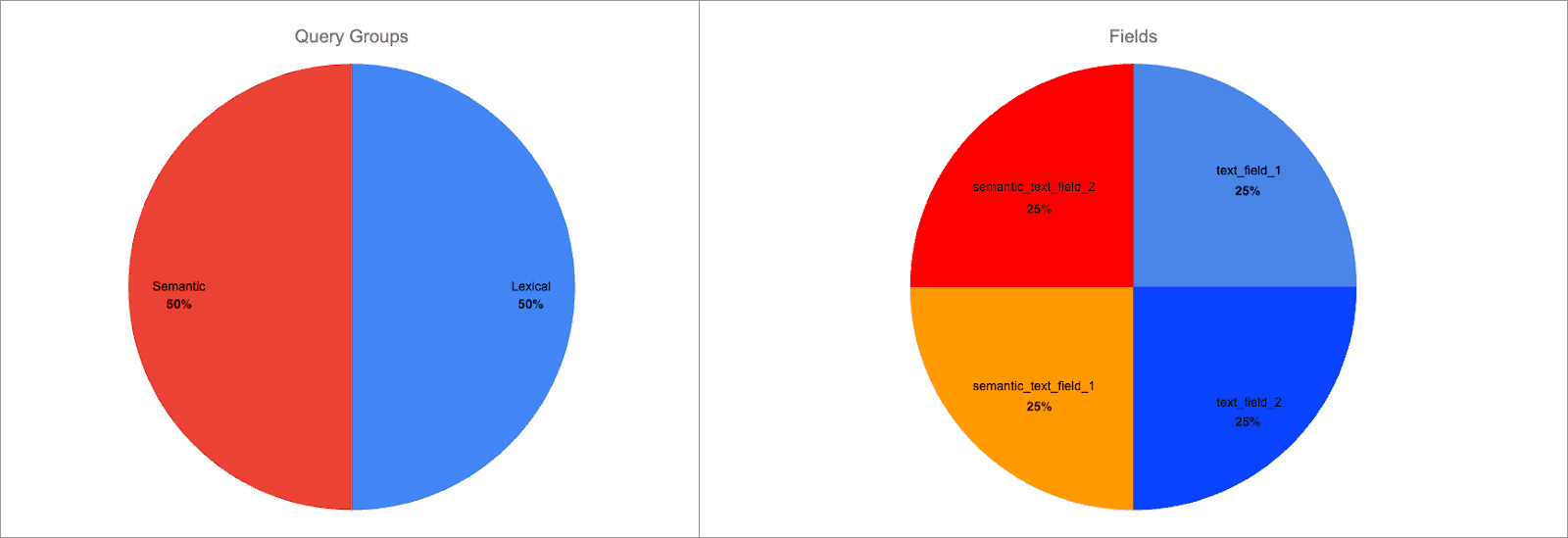
In other words, each field is 25% of the total score.
We can use the field^boost syntax to add a per-field boost to any field. Let’s apply a boost of 2 to semantic_text_field_1 and text_field_1:
Now the score breakdown looks like:
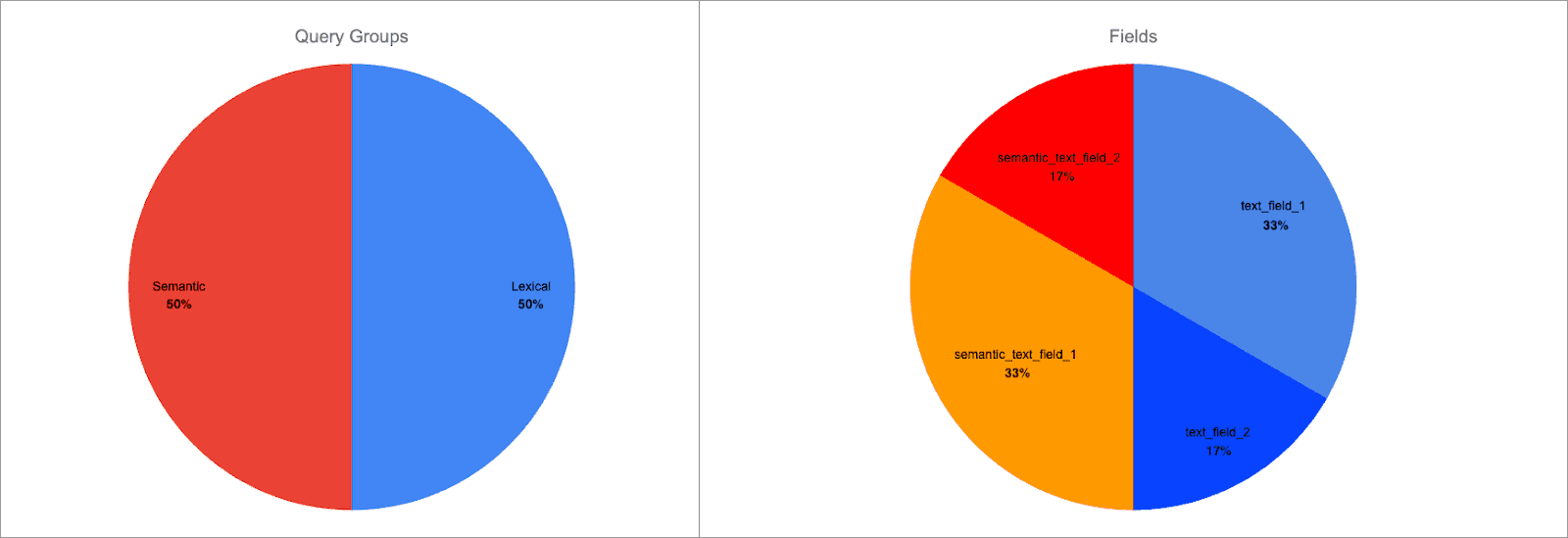
Each query group is still weighted equally, but now the field weight within the groups has changed:
semantic_text_field_1is 66% of the semantic query group score, 33% of the total scoretext_field_1is 66% of the lexical query group score, 33% of the total score
| ℹ️ Note that the total score range will not change when a per-field boost is applied. This is an intended side-effect of score normalization, which ensures that lexical and semantic query scores remain directly comparable with each other. |
|---|
| ℹ️ Per-field boosting can also be used with the RRF retriever in Elasticsearch 9.2+ |
Wildcard resolution
You can use the * wildcard in the fields parameter to match multiple fields. Continuing the example above, this query is functionally equivalent to querying semantic_text_field_1, semantic_text_field_2, and text_field_1 explicitly:
It’s interesting to note that the *_field_1 pattern matches both text_field_1 and semantic_text_field_1. This is handled automatically; the query will execute as if each of the fields were explicitly queried. It’s also fine that the semantic_text_field_1 matches both patterns; all field name matches are de-duplicated before query execution.
You can use the wildcard in a variety of ways:
- Prefix matching (ex:
*_text_field) - Inline matching (ex:
semantic_*_field) - Suffix matching (ex:
semantic_text_field_*)
You can also use multiple wildcards to apply a combination of the above, such as *_text_field_*.
Default query fields
The multi-field query format also allows you to query an index you know nothing about. If you omit the fields parameter, it will query all fields specified by the index.query.default_field index setting:
By default, index.query.default_field is set to *. This wildcard will resolve to every field type in the index that supports term queries, which is most. The exceptions are:
dense_vectorfieldsrank_vectorfields- Geometry fields:
geo_point,shape
This functionality is especially useful when you want to perform a hybrid search query on an index provided by a third party. The multi-field query format allows you to execute an appropriate query in a simple way. Just exclude the fields parameter, and all applicable fields will be queried.
Conclusion
The score range problem can make effective hybrid search a headache to implement, particularly when there’s limited insight into the index being queried or the inference endpoints in use. The multi-field query format for the linear and RRF retrievers alleviates this pain by packaging an automated, query-grouping-based hybrid search approach into a simple and approachable API. Additional functionality, such as per-field boosting, wildcard resolution, and default query fields, extends the functionality to cover many use cases.
Try out the multi-field query format today
You can check out the linear and RRF retrievers with the multi-field query format in fully managed Elasticsearch Serverless projects with a free trial. It’s also available in stack versions starting from 8.19 & 9.1.
Get started in minutes on your local environment with a single command:
Related Content
January 30, 2026
Query rewriting strategies for LLMs and search engines to improve results
Exploring query rewriting strategies and explaining how to use the LLM's output to boost the original query's results and maximize search relevance and recall.

All about those chunks, ’bout those chunks, and snippets!
Exploring chunking and snippet extraction for LLMs, highlighting enhancements for identifying the most relevant chunks and snippets to send to models such as rerankers and LLMs.
January 8, 2026
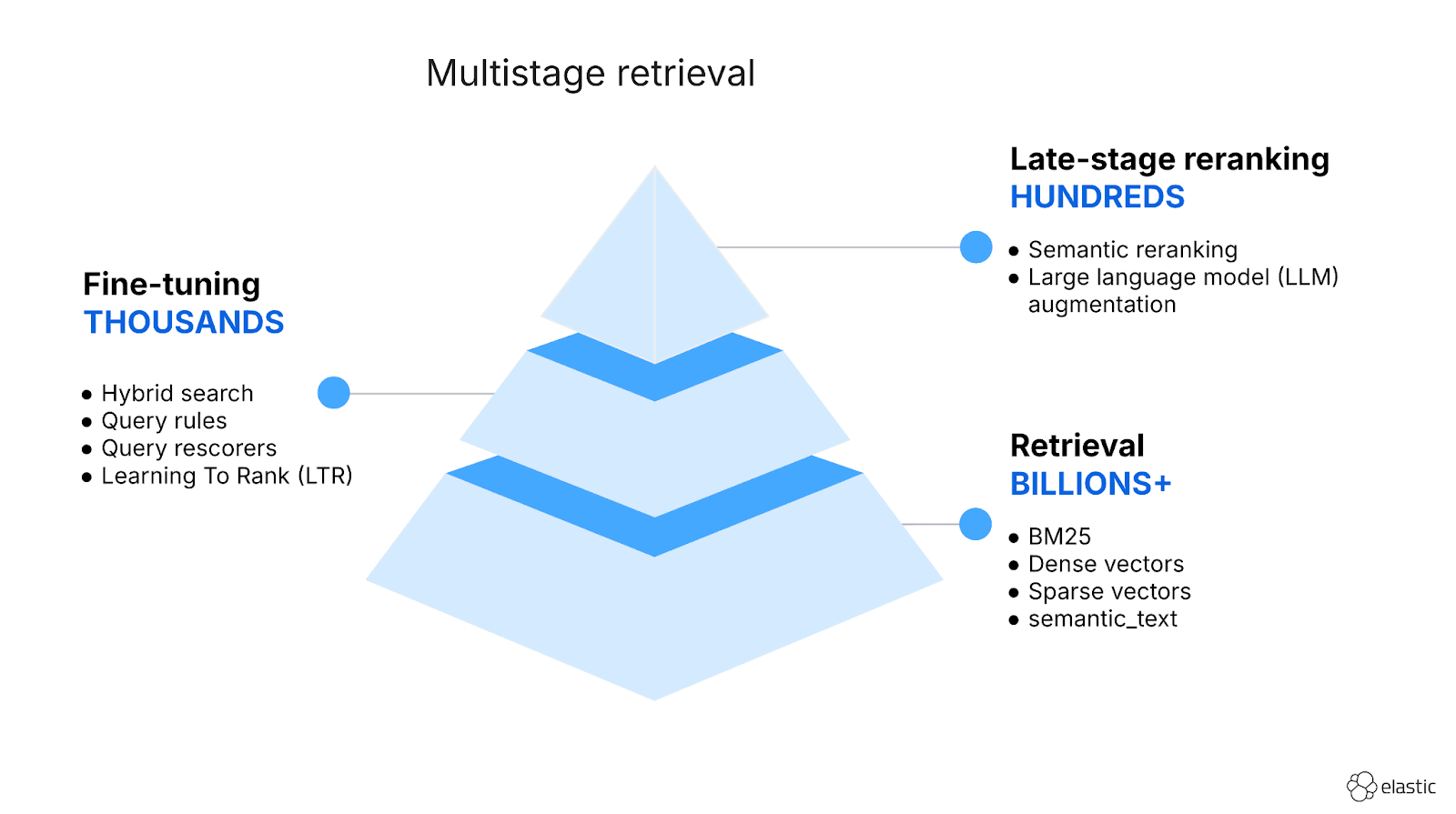
Hybrid search and multistage retrieval in ES|QL
Explore the multistage retrieval capabilities of ES|QL, using FORK and FUSE commands to integrate hybrid search with semantic reranking and native LLM completions.
December 11, 2025
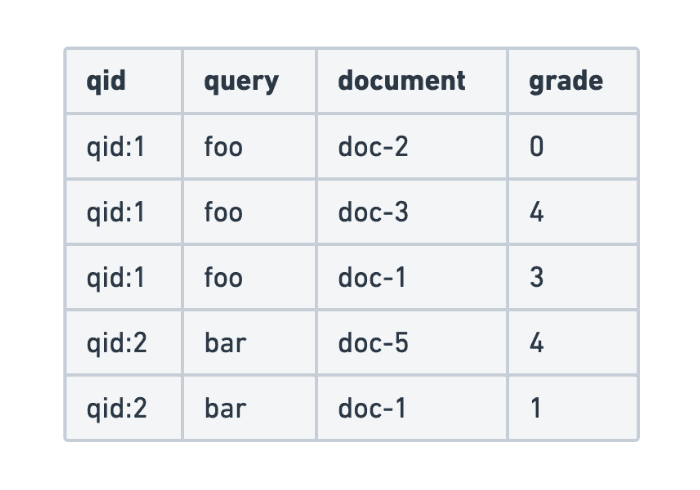
Evaluating search query relevance with judgment lists
Explore how to build judgment lists to objectively evaluate search query relevance and improve performance metrics such as recall, for scalable search testing in Elasticsearch.
December 10, 2025
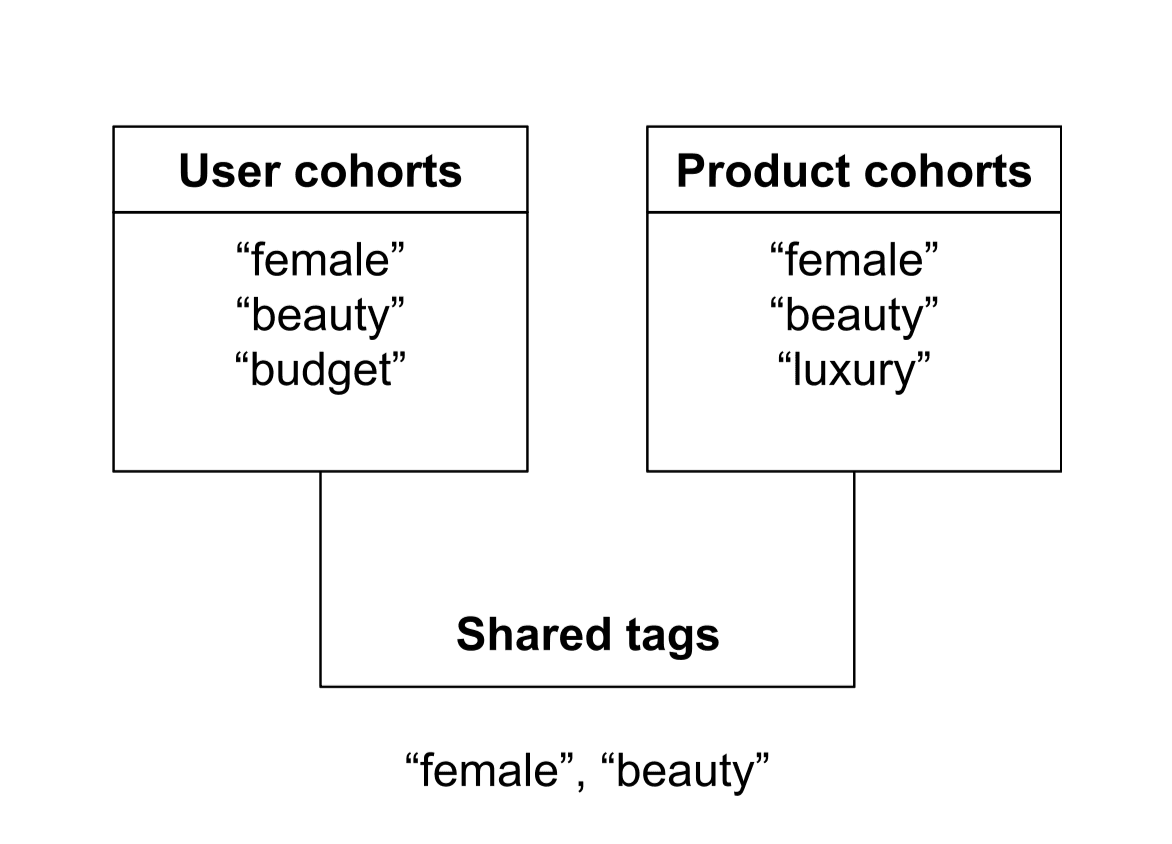
How to improve e-commerce search relevance with personalized cohort-aware ranking
Improve e-commerce search relevance with explainable, cohort-aware ranking in Elasticsearch. Learn how multiplicative boosting delivers stable, predictable personalization at query time.