IMPORTANT: No additional bug fixes or documentation updates
will be released for this version. For the latest information, see the
current release documentation.
Viewing sessions with Discover
edit
IMPORTANT: This documentation is no longer updated. Refer to Elastic's version policy and the latest documentation.
Viewing sessions with Discover
editThe first step is to find the relevant session.id. In this example, we’ll walk through investigating a crash.
Since all events and spans have session.id attributes, a crash is no different.
The steps to follow are:
-
copy the
session.idfrom the relevant document. - Open the Discover page.
-
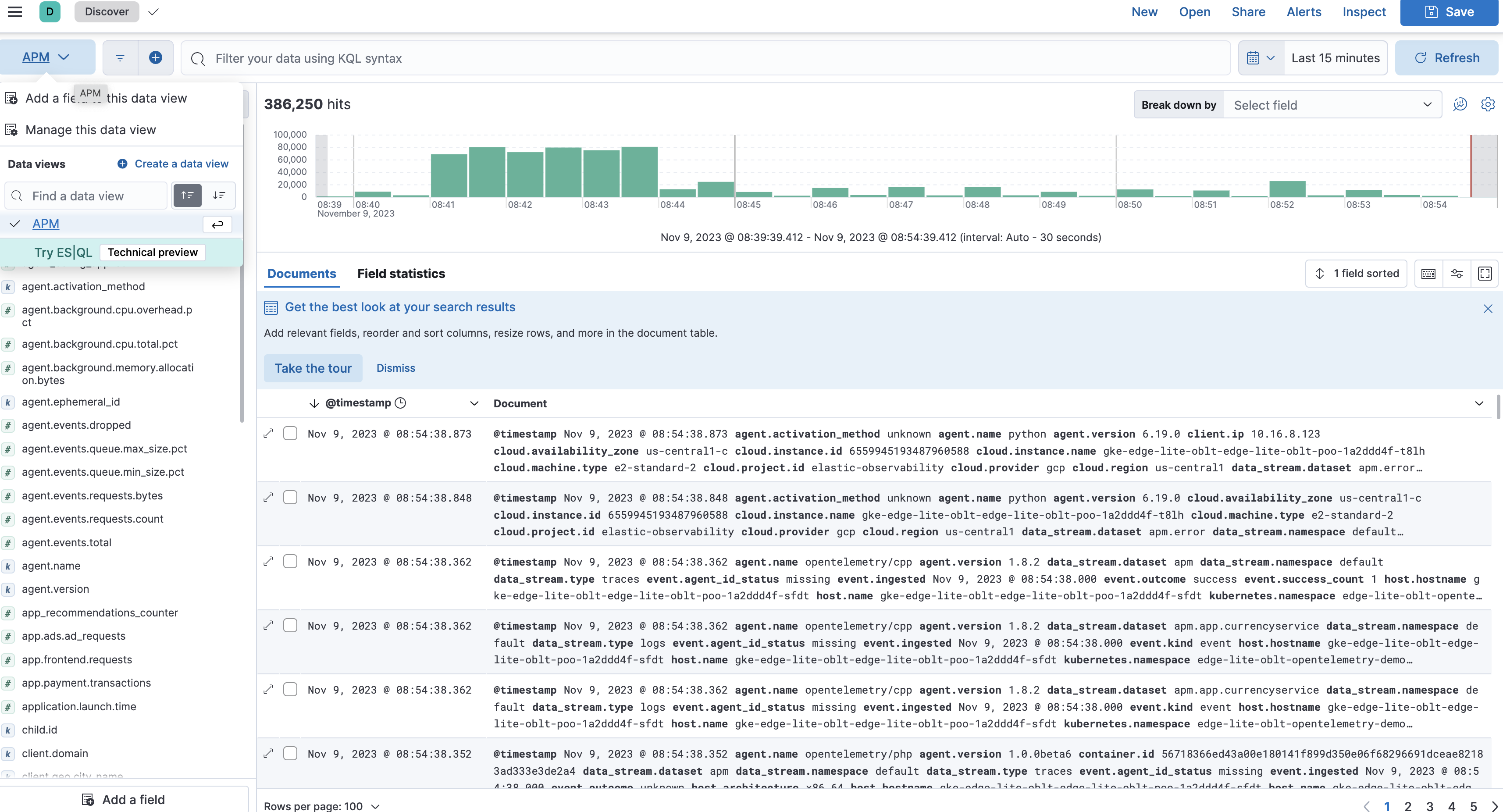
Select the appropriate data view (use
APMto search all datastreams) -
set filter to the copied
session.id
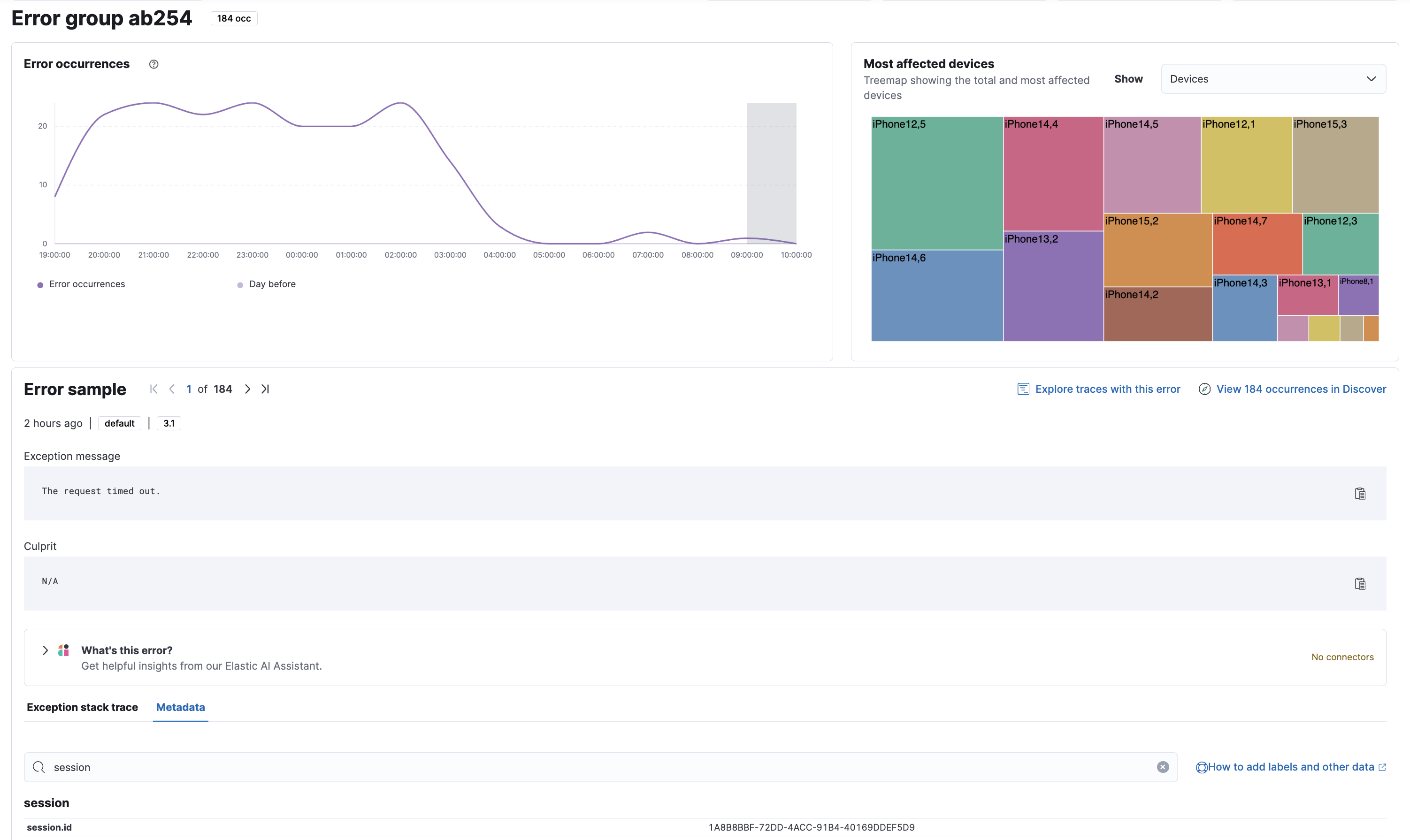
Here we can see the session.id guid in the metadata viewer in the error detail view:
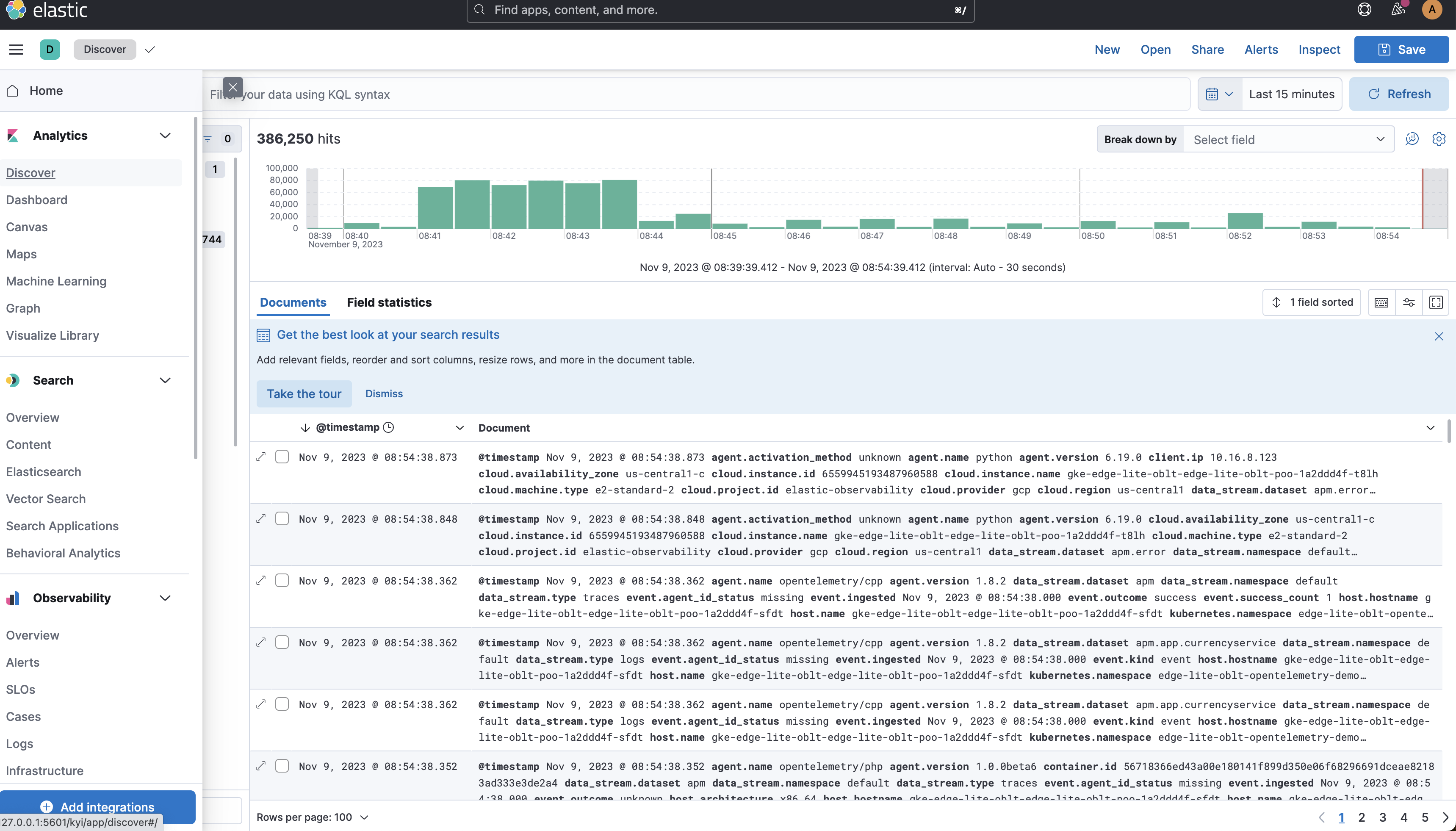
Copy this value and open the Discover page:
set the data view. APM selected in the example:
filter using the session.id: session.id: "<copied session id guid>":
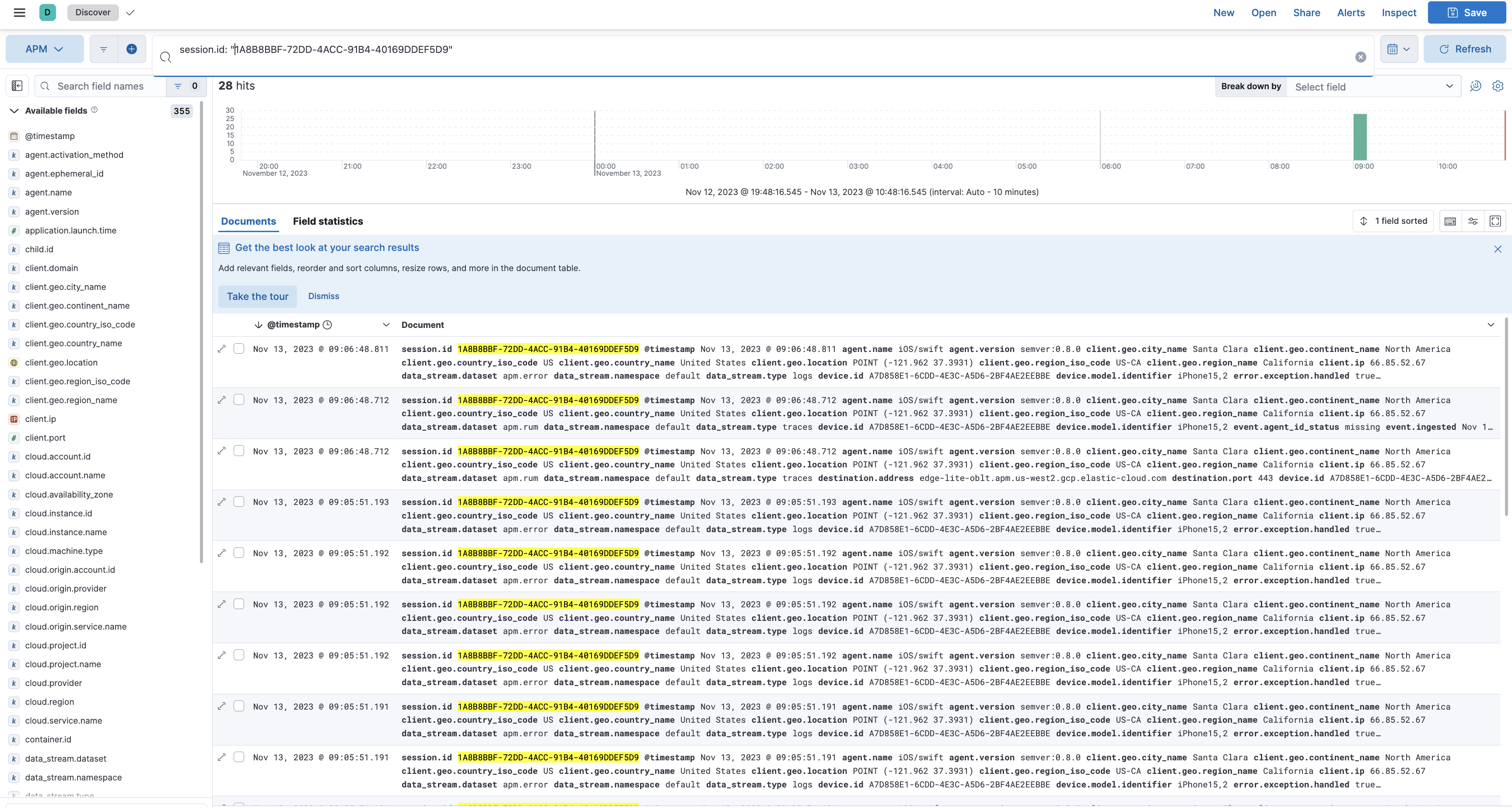
explore all the documents associated with that session id including crashes, lifecycle events, network requests, errors, and other custom events!