Preconfigured connectors
editPreconfigured connectors
editYou can preconfigure a connector to have all the information it needs prior to startup by adding it to the kibana.yml file.
Preconfigured connectors offer the following benefits:
- Require no setup. Configuration and credentials needed to execute an action are predefined, including the connector name and ID.
- Appear in all spaces because they are not saved objects.
- Cannot be edited or deleted.
Preconfigured connectors cannot be used with cases.
Preconfigured connectors example
editThis example shows a valid configuration for two out-of-the box connectors: Slack and Webhook.
  xpack.actions.preconfigured:
    my-slack1:
      actionTypeId: .slack
      name: 'Slack #xyz'
      secrets:
        webhookUrl: '<WEBHOOK_URL>'
    webhook-service:
      actionTypeId: .webhook
      name: 'Email service'
      config:
        url: '<SERVICE_URL>'
        method: post
        headers:
          header1: value1
          header2: value2
      secrets:
        user: elastic
        password: changeme
|
The key is the connector identifier, |
|
|
|
|
|
|
|
|
|
|
|
|
Sensitive properties, such as passwords, can also be stored in the Kibana keystore.
Built-in preconfigured connectors
editKibana provides one built-in preconfigured connector:
View preconfigured connectors
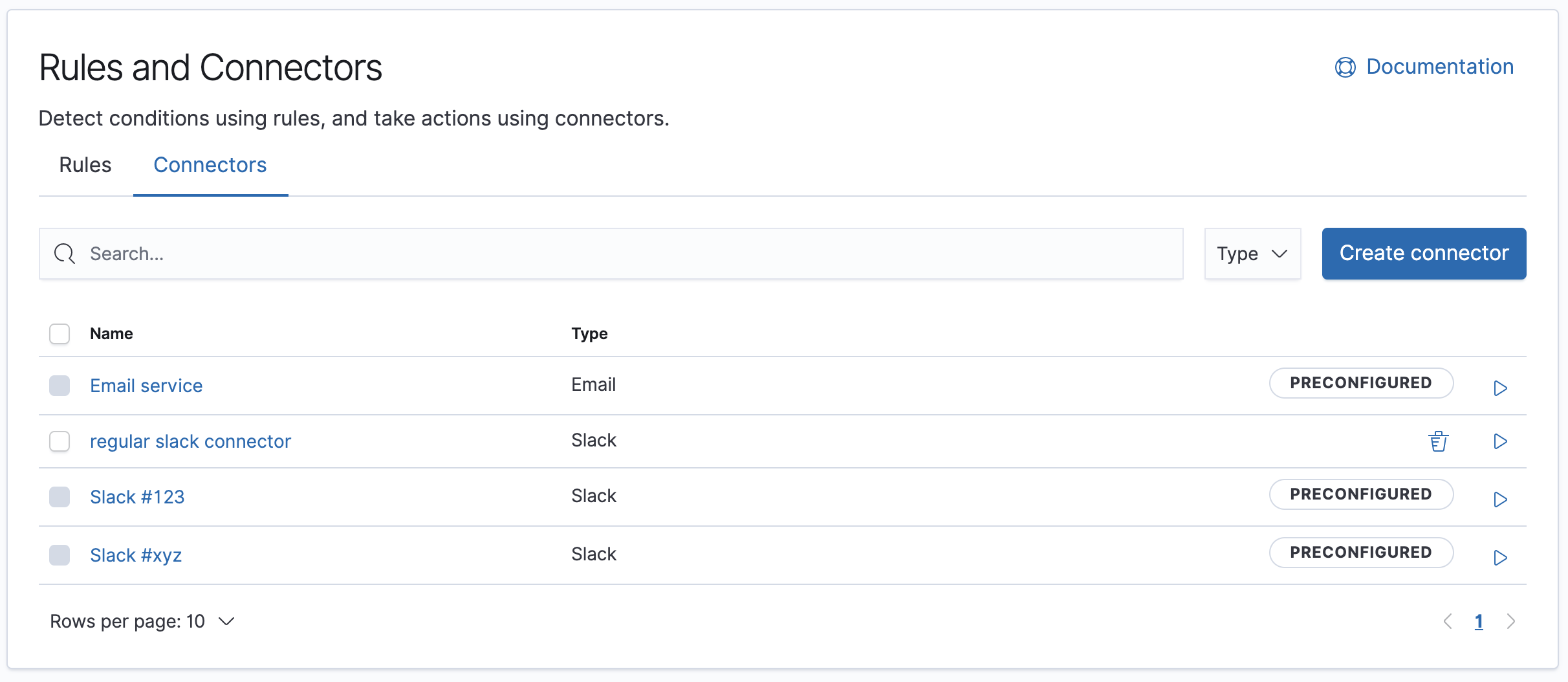
editWhen you open the main menu, click Stack Management > Rules and Connectors. Preconfigured connectors appear on the Connectors tab, regardless of which space you are in. They are tagged as “preconfigured”, and you cannot delete them.
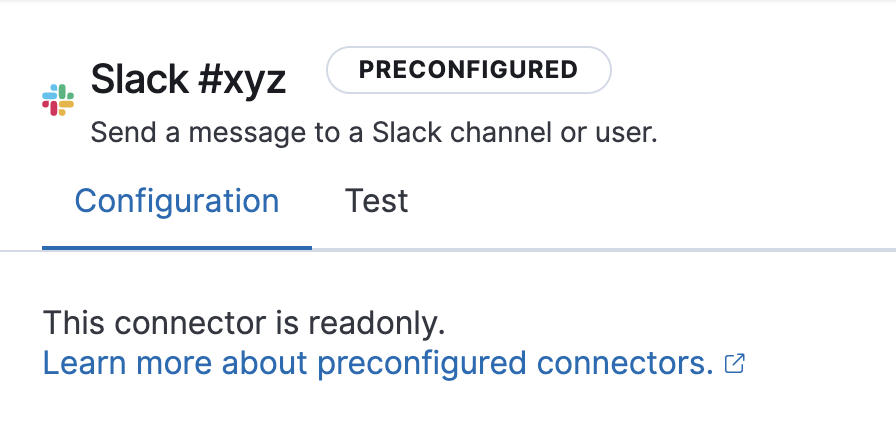
Clicking a preconfigured connector shows the description, but not the configuration. A message indicates that this is a preconfigured connector.