Advanced configuration for Dashboard Only mode
editAdvanced configuration for Dashboard Only mode
editKibana comes preconfigured with a reserved role called kibana_dashboard_only_user which will be sufficient
for most use cases. However, if your setup requires a custom Kibana index, you can manually create
Dashboard Mode roles.
To do so, go into Management > Advanced Settings and search for xpackDashboardMode:roles. Then assign whatever
role names you wish to use to flag a user for Dashboard Only mode.

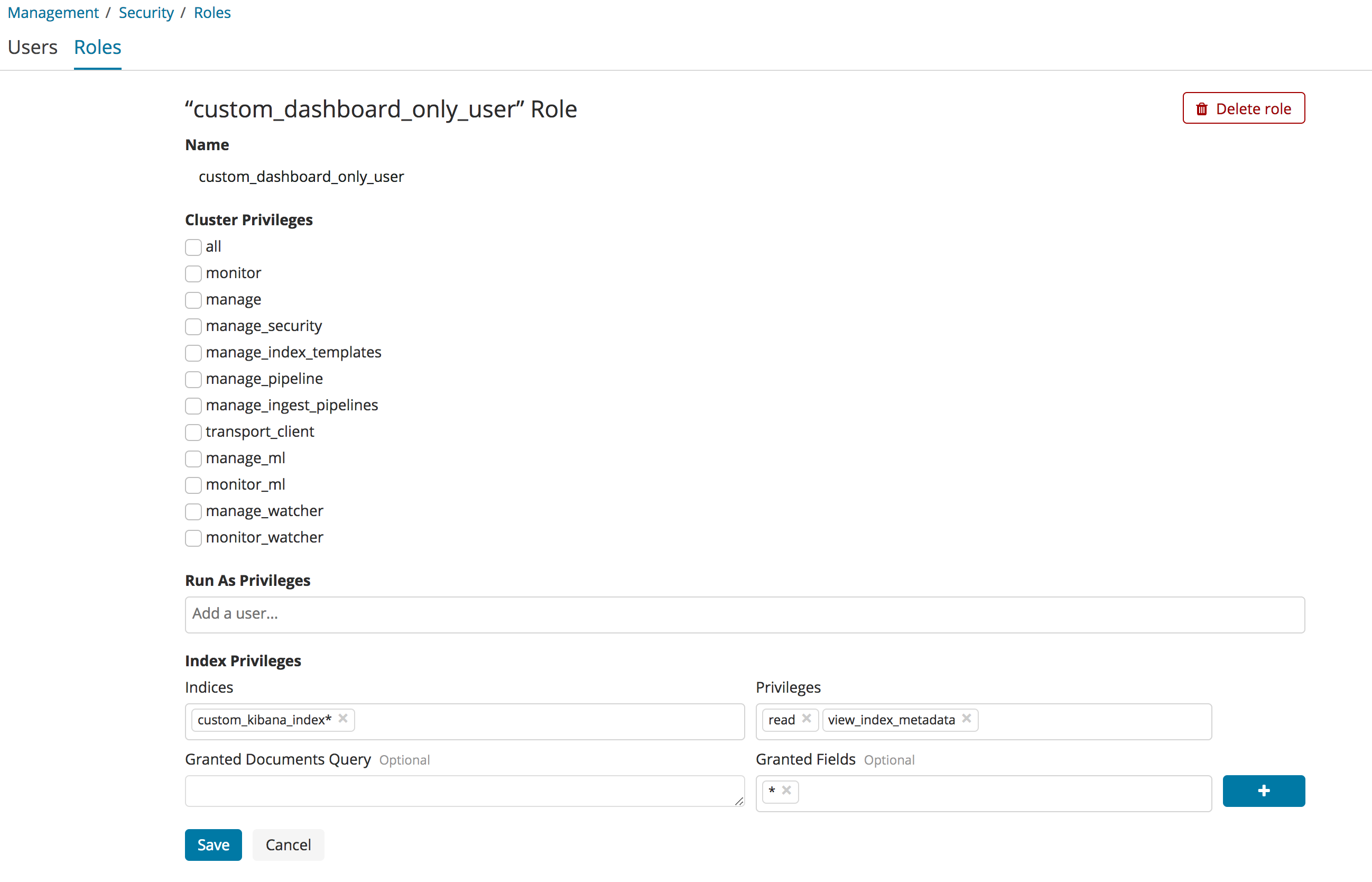
It isn’t necessary for Dashboard Only mode roles to have any additional permissions, but it’s a convenient location
to also place access rules to the custom Kibana index. If you wish to grant read only access to your custom Kibana
index, it must have view_index_metadata permissions as well as read permissions. These role settings are available
under Management > Security > Roles.