WARNING: Version 6.2 of Kibana has passed its EOL date.
This documentation is no longer being maintained and may be removed. If you are running this version, we strongly advise you to upgrade. For the latest information, see the current release documentation.
Kibana Dashboard Only Mode
editKibana Dashboard Only Mode
editX-Pack gives the ability for admins to limit what certain users see when they log in to Kibana with a
reserved kibana_dashboard_only_user role.
When you assign a user this role, the next time they sign in to Kibana they will only be able to see the Dashboard app, and no editing tools will be available.
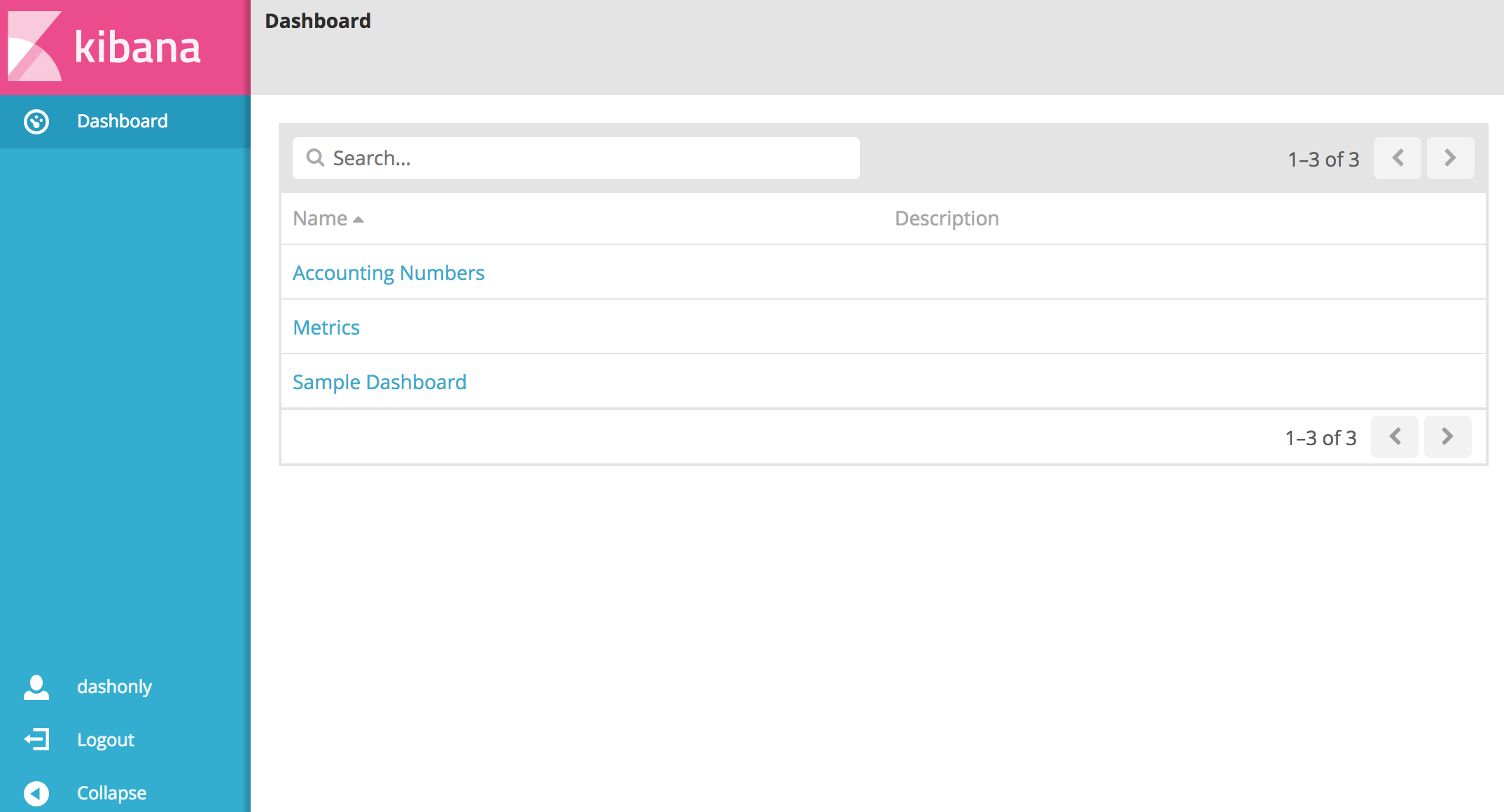
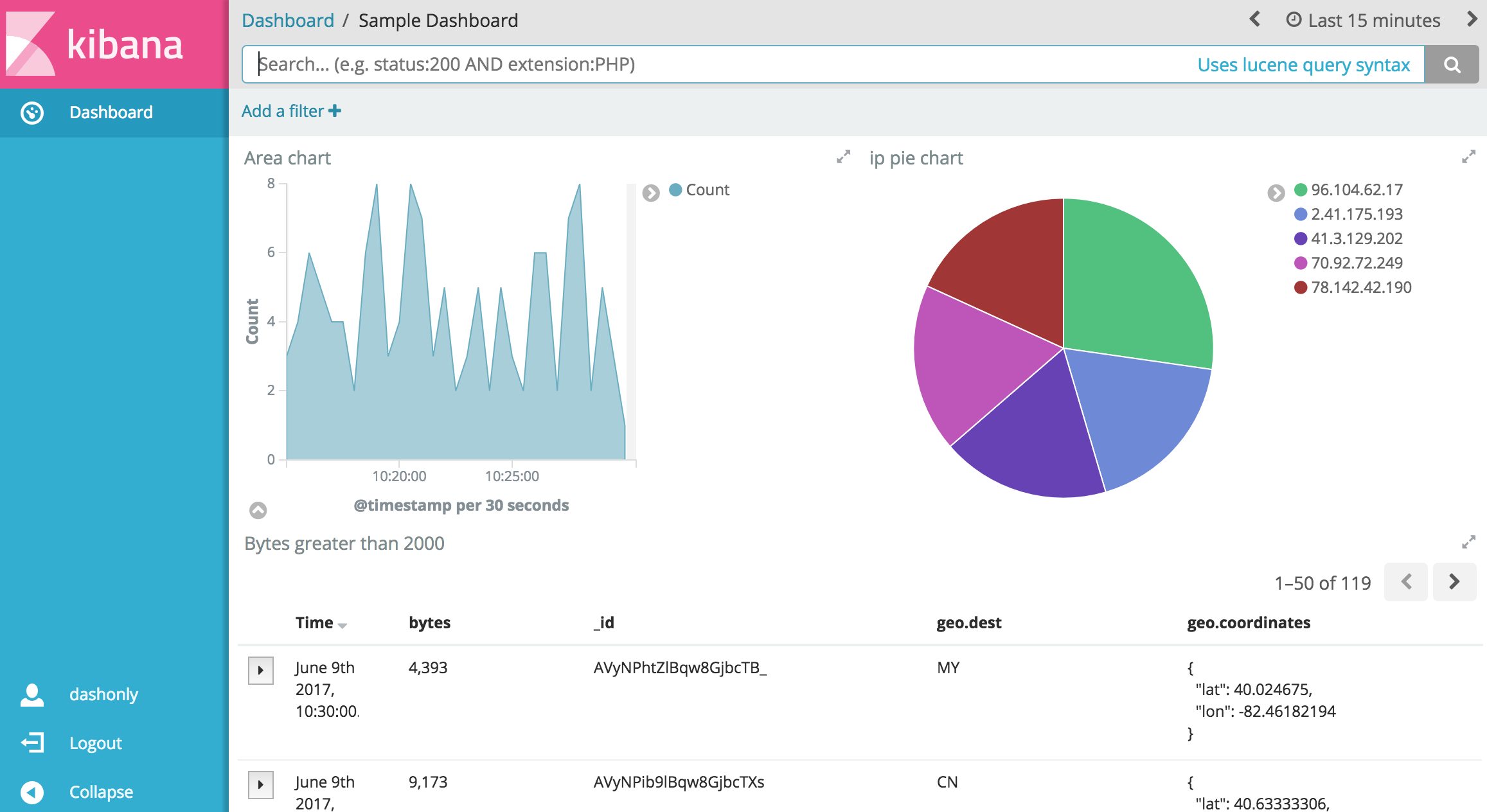
If a user is also assigned the reserved superuser role, they will be able to see all of Kibana and have
full access.
The kibana_dashboard_only_user role comes preconfigured with read only permissions on the .kibana index.
If you assign a user the kibana_dashboard_only_user role, along with a role with write permissions on
the .kibana index, they will have write access, even though the controls will remain hidden in the kibana
UI.
For advanced set ups that use a custom Kibana index, advanced configurations are possible.