Set up Enterprise Search with SAML 2.0 single sign-on (SSO)
editSet up Enterprise Search with SAML 2.0 single sign-on (SSO)
editThis quickstart explains how to configure SAML authentication for Enterprise Search and Kibana on a local self-managed deployment. See the end of this document for how to apply these instructions to a deployment running on Elastic Cloud or Elastic Cloud on Kubernetes (ECK).
Since 8.0, SAML support for Enterprise Search is defined in Elasticsearch and Kibana configuration files. No additional configuration is required in the Enterprise Search configuration file.
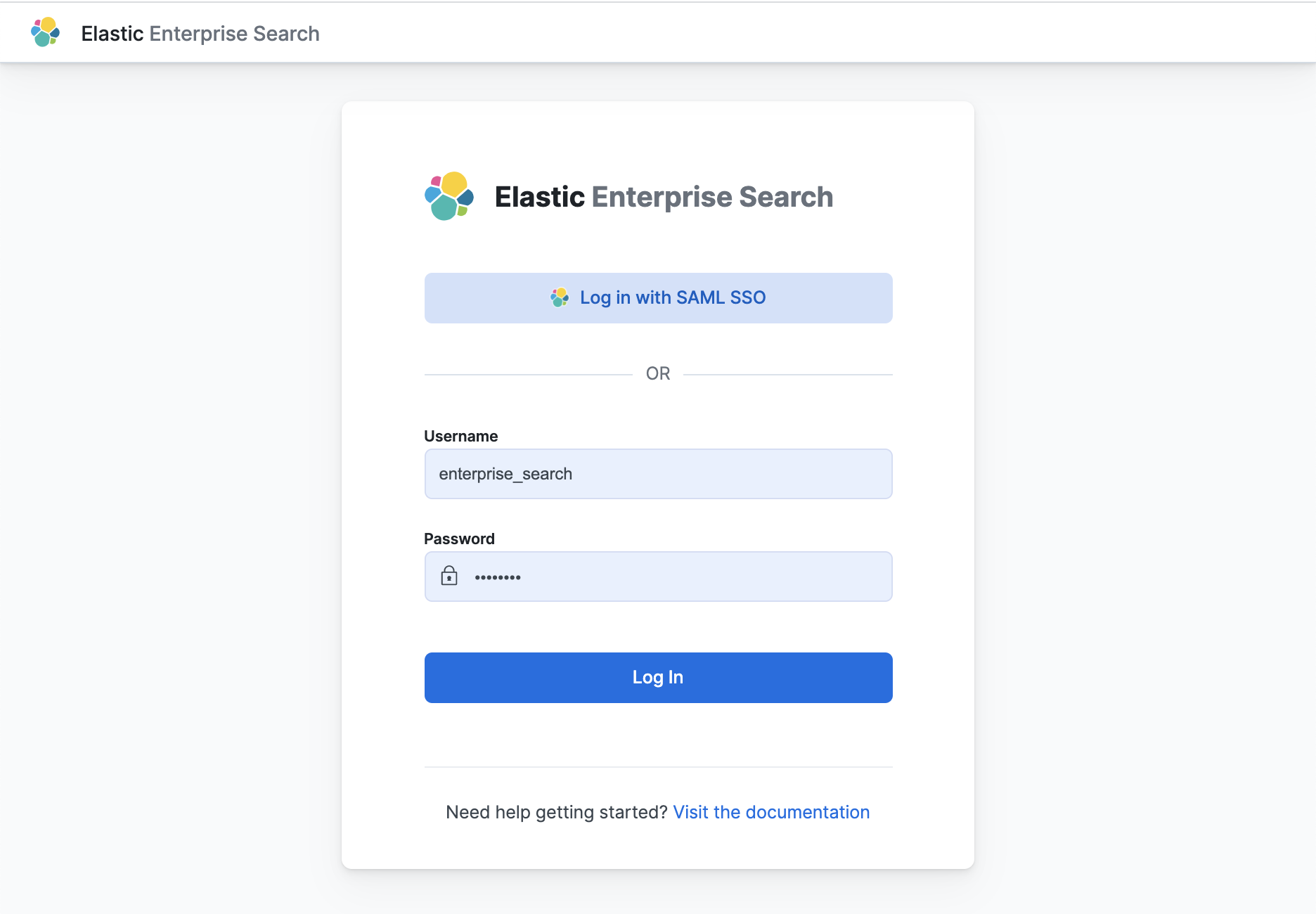
This is only a concise reference example. See Configuring Elasticsearch for SAML authentication in the Elasticsearch documentation for a complete reference to Elasticsearch SAML configuration. For troubleshooting, see Common SAML issues.
Configure Elasticsearch for SAML authentication
editConfigure a SAML realm within Elasticsearch for Enterprise Search in Kibana.
Add the following configuration to the Elasticsearch config/elasticsearch.yml file:
# Skip this if you are running an Elastic Cloud deployment
# Elastic Cloud has token service enabled by default and will not accept the `xpack.security.authc.token.enabled` setting
xpack.security.authc.token.enabled: true

# Update the `http://localhost:5601` references to the location of your Kibana endpoint
# See https://www.elastic.co/guide/en/enterprise-search/current/endpoints-ref.html
xpack.security.authc.realms.saml.kibana-my-saml:
  order: 3
  # Replace with your SAML identity provider's metadata URL
  idp.metadata.path: "https://YOUR_SAML_IDP/metadata"
  idp.entity_id: "urn:example:idp"
  sp.entity_id: "http://localhost:5601"
  sp.acs: "http://localhost:5601/api/security/v1/saml"
  sp.logout: "http://localhost:5601/logout"
  attributes:
    # Or replace with another SAML provider attribute you prefer to map to the username
    principal: "email"
The sp.* configuration values must point to the Kibana endpoint, and you must collect the idp.* settings from your SAML identity provider.
Configure your SAML identity provider to work with Kibana
editConfigure your SAML identity provider to allow authentication to Kibana at http://localhost:5601.
The configuration steps will vary for your specific SAML identity provider. For an example identity provider configuration, see Setting up SAML for Enterprise Search: Okta edition.
Configure Kibana to use the Elasticsearch SAML realm
editAdd this configuration to the Kibana config/kibana.yml file.
xpack.security.authc.providers:
  saml:
    # Realm name matches the realm name defined in Elasticsearch config
    kibana-my-saml:
      order: 0
      realm: "kibana-my-saml"
# Enable authentication for Elasticsearch native users
  basic:
    basic1:
      order: 1
Grant SAML users access to Kibana
editUse the Elasticsearch role mappings API or the Kibana stack management role mappings UI to map roles to SAML realm users.
For example, to grant all SAML realm users access to all of Kibana using the Elasticsearch API:
curl --insecure -u elastic:changeme -XPOST https://localhost:9200/_security/role_mapping/mapping1 \
-H 'Content-Type: application/json' \
-d '
{
  "roles": [ "kibana_admin" ],
  "enabled": true,
  "rules": {
    "field": { "realm.name": "kibana-my-saml" }
  }
}'
Or grant only one SAML realm user access to all of Kibana:
curl --insecure -u elastic:changeme -XPOST https://localhost:9200/_security/role_mapping/mapping2 \
-H 'Content-Type: application/json' \
-d '
{
  "roles": [ "kibana_admin" ],
  "enabled": true,
  "rules": {
    "field": { "username": "[email protected]" }
  }
}'
Grant SAML users access to Enterprise Search
editBy default, all users have full access to App Search and Workplace Search. Enable role-based access controls in App Search or Workplace Search to control SAML user access.
Enable role-based access control in App Search and Workplace Search:
- Launch Enterprise Search in Kibana.
- Launch App Search or Workplace Search. Choose Users and Roles and enable role-based access.
- Add a SAML role mapping for the SAML user(s) who require access. Make sure to grant owner access to at least one SAML user so that you can continue to manage users and roles.
Configure Elastic Cloud deployments
editConfiguring SAML for Elastic Cloud deployments (ESS and ECE) is similar to configuring local self-managed deployments, with the following differences:
-
Replace references to
http://localhost:5601with the URL of your Kibana instance on Elastic Cloud. -
Add the Elasticsearch configuration settings to the Elasticsearch settings in your Cloud deployment. Exclude the setting
xpack.security.authc.token.enabled: true. - Add the Kibana configuration to the Kibana settings in your Cloud deployment.
Configuring Elastic Cloud on Kubernetes deployments
editConfiguring SAML for Elastic Cloud on Kubernetes (ECK) deployments is similar to configuring local self-managed deployments, with the following differences:
-
Replace references to
http://localhost:5601with the URL of your Kibana instance on ECK. - Add the Elasticsearch and Kibana configuration settings to the appropriate sections in the ECK configuration.
This example ECK YAML file configures SAML for Elasticsearch, Enterprise Search, and Kibana all running on a local ECK instance.
apiVersion: elasticsearch.k8s.elastic.co/v1
kind: Elasticsearch
metadata:
  name: example
spec:
  version: 8.0.1
  nodeSets:
    - name: default
      count: 1
      config:
        node.store.allow_mmap: false
        # SAML configuration
        xpack.security.authc.token.enabled: true
        xpack.security.authc.realms.saml.kibana-my-saml:
          order: 3
          # Replace with your SAML identity provider's metadata URL
          idp.metadata.path: "https://YOUR_SAML_IDP/metadata"
          idp.entity_id: "urn:example:idp"
          sp.entity_id: "https://localhost:5601"
          sp.acs: "https://localhost:5601/api/security/v1/saml"
          sp.logout: "https://localhost:5601/logout"
          attributes:
            # Or replace with another SAML provider attribute you prefer to map to the username
            principal: "email"
---
apiVersion: enterprisesearch.k8s.elastic.co/v1
kind: EnterpriseSearch
metadata:
  name: example
spec:
  version: 8.0.1
  count: 1
  elasticsearchRef:
    name: example
  podTemplate:
    spec:
      containers:
      - name: enterprise-search
        env:
        - name: JAVA_OPTS
          value: -Xms1500m -Xmx1500m
        resources:
          requests:
            memory: 2Gi
          limits:
            memory: 2Gi
---
apiVersion: kibana.k8s.elastic.co/v1
kind: Kibana
metadata:
  name: example
spec:
  version: 8.0.1
  config:
    xpack.security.authc.providers:
      saml:
        # Realm name matches the realm name defined in Elasticsearch config
        kibana-my-saml:
          order: 0
          realm: "kibana-my-saml"
      basic:
        basic1:
          order: 1
  count: 1
  elasticsearchRef:
    name: example
  enterpriseSearchRef:
    name: example
Learn more about configuring SAML on ECK for Elasticsearch and Kibana.
Learn more about configuring Enterprise Search on ECK.